Organising a digital consultation in aesthetic medicine
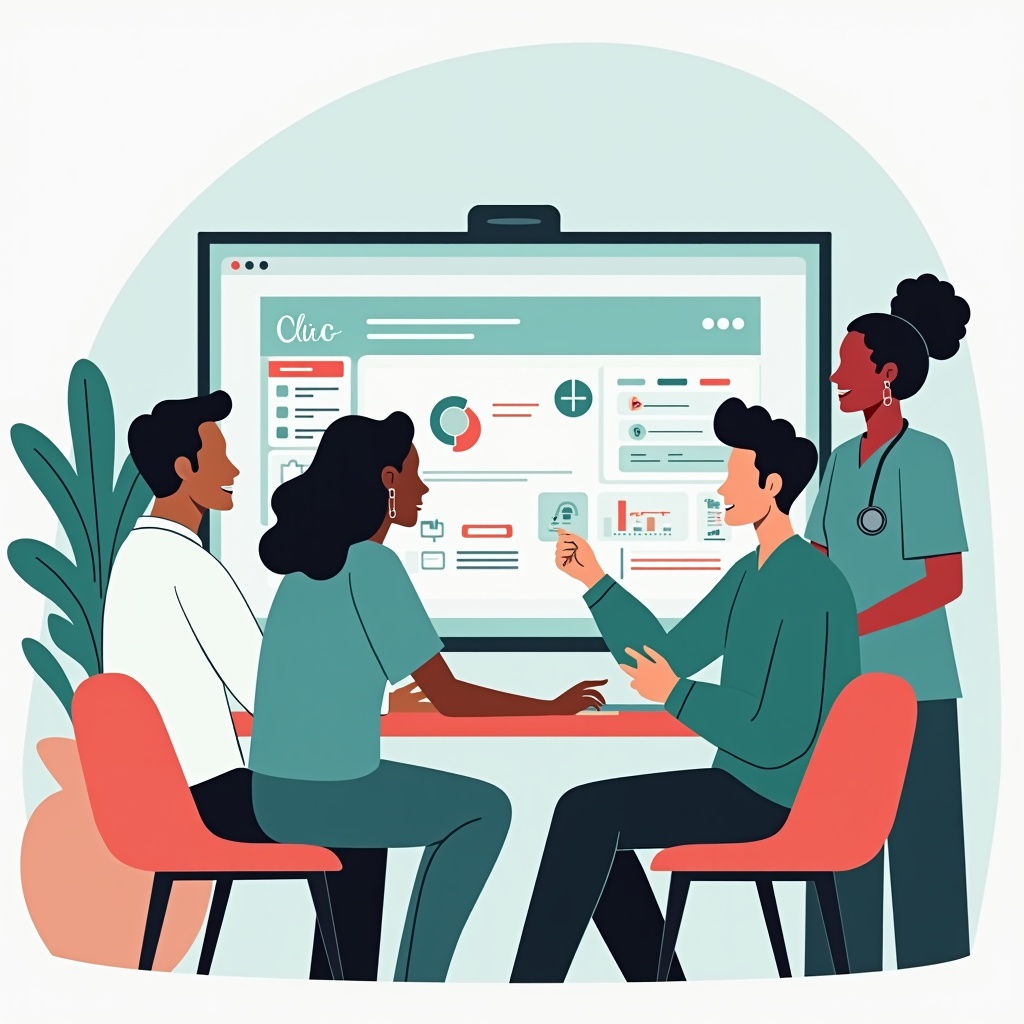
A digital consultation in aesthetic medicine brings the patient's request, clinical notes, photographs and documents into a planned visit. Its usefulness depends on how the team works with those tools. Adding a tablet or another application does not, by itself, fix gaps in communication or documentation.
The aim is to prepare the conversation, record decisions and make information available for follow-up. Nextmotion's consultation module presents AI-assisted notes, treatment estimates and digital consent features. The practitioner remains responsible for the examination, clinical judgement and review of the information used. This guide focuses on organising the appointment, without assuming a particular reduction in administration or increase in treatment bookings.
Prepare for the appointment without making assumptions
Decide what information is useful before the patient arrives. An intake questionnaire can introduce their concerns and help prepare a discussion of medical history and current treatment. Review those answers during the appointment: information entered at home may be incomplete, out of date or misunderstood. A required field does not establish that an answer is accurate.
Allocate responsibilities between reception and the practitioner. Who checks identity, notices a missing document or helps someone who cannot complete the form? Keep an assisted route available for patients who find digital forms difficult. Test what they receive, how it appears on their device and when the team can access it, using the features available in your configuration.
Connecting the visit to the clinic's scheduling tools should support that preparation. Ask to see which information actually passes between systems. Do not assume that a calendar connection also transfers every document, clinical note or subsequent change.
Document the visit and explain the options
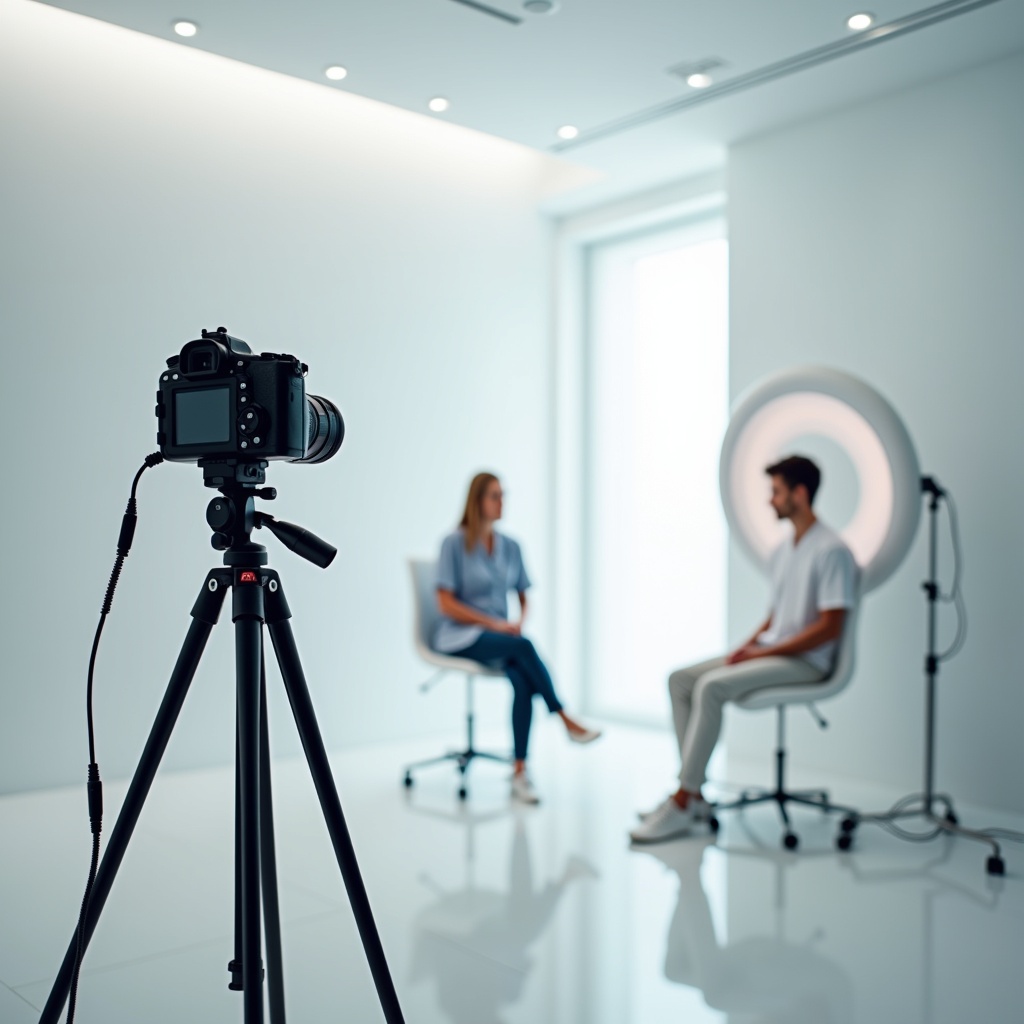
Use a repeatable photography protocol
Agree on the required views, lighting, distance and patient position. Nextmotion Capture provides positioning guides to support photography, while the team remains responsible for checking image quality and the correct patient association. Differences in lighting or posture can affect a comparison even when dedicated software is used.
Our guide to standardising before-and-after photographs discusses that process. Images in the clinical record support follow-up; storing them there does not itself authorise publication. Assess the conditions for any use outside care separately, rather than treating a clinical photograph as a ready-made marketing asset.
Explain anatomy with an educational visual
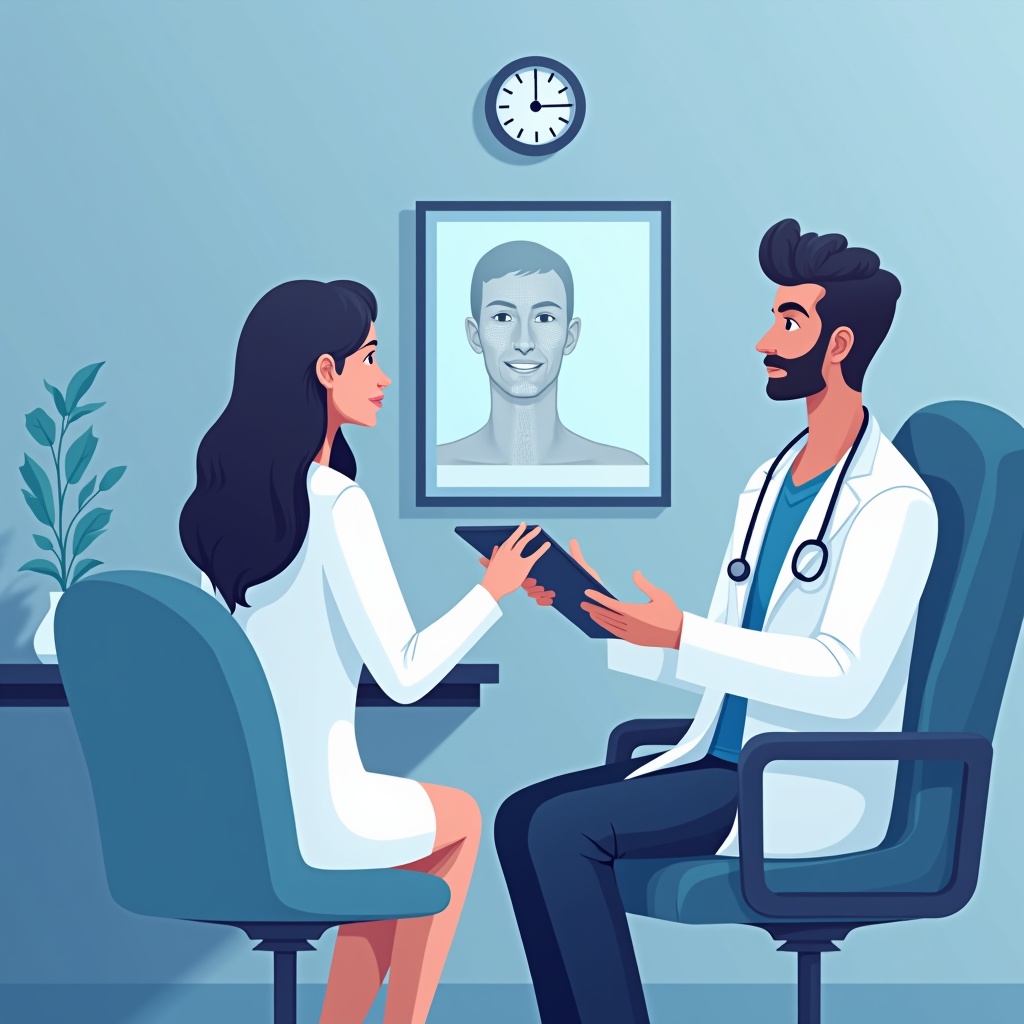
Nextmotion 3D is an augmented reality education module that explains facial ageing through layers of skin, fat, muscle and bone. It offers a visual aid for the conversation. It does not predict how an individual patient will look after treatment or guarantee an outcome.
Introduce the visual as an illustration, then check what the patient has understood. Discuss expected benefits, uncertainties, risks and alternatives in the context of the examination. An image on a screen should not become an implied promise about that person's appearance. The practitioner decides what information is relevant to the discussion.
Review the notes and proposed plan
The record should distinguish the patient's concerns, clinical findings, options discussed and decisions reached. If you use AI assistance, review and correct its draft before adding it to the record or sharing it. Pay particular attention to clinical terminology, negative statements and information attributed to the patient. Software does not determine whether a treatment is appropriate.
Prepare the relevant estimate, written explanations and instructions after that discussion. Check that the documents reflect what was agreed. Do not assume that preparing an estimate also books an appointment, reserves stock or triggers follow-up messages: each function and its configuration need to be verified.
Keep consent and data protection part of the process
A signed form is one part of the record, rather than a replacement for explaining choices and answering questions. For practices in France, Article 36 of the French medical ethics code addresses seeking consent and respecting the patient's wishes. Apply the professional and legal requirements relevant to the country where you practise.
For digital documents, check the version presented, the signature process, available audit information and how to retrieve a readable copy. A timestamp or delivery notification does not establish overall legal compliance. The patient portal can be part of the document journey, depending on the features enabled and the access arrangements explained to the patient.
The French data protection authority's framework for medical practices covers matters such as purposes, access and security. If you record or transcribe a consultation, also check the information provided to the patient, the applicable recording requirements, recipients and retention arrangements. Give team members access appropriate to their responsibilities, rather than sharing a single unrestricted account.
For relevant hosting activities in France, review the scope of HDS, the French health data hosting certification scheme. Ask the supplier for contractual and technical evidence relevant to your use, including any third-party services. HDS is a specific hosting framework; it is not a universal compliance label or a substitute for assessing how your clinic handles information.
Measure the workflow with your own data
Choose a small set of measures before changing the workflow, and agree how the team will record them. Compare similar appointment types over comparable periods. Staffing, prices and patient mix can also affect the results, so a change in a metric does not establish that the software caused it.
- Preparation: record which information or documents are missing at arrival.
- Documentation: track time spent on notes, including review and corrections.
- Understanding: collect patient feedback and questions that remain after the visit.
- Continuity: check whether documents were provided and agreed follow-up took place.
- Decisions: distinguish acceptance, time to consider, refusal and cases where treatment is not appropriate.
The proportion of estimates accepted may help you understand the practice, but it cannot establish consultation quality on its own. Deciding against treatment can be an appropriate outcome. Set goals from your own baseline rather than treating an advertised conversion percentage as a result your clinic should expect.
Introduce a workflow the team can check
Walk through a demonstration record from preparation to photographs, notes, an estimate, a signed document and follow-up access. Assign responsibility for checking each step and record the issues to resolve. Include a process for an unavailable system and explain how information collected during that period will later be added to the record.
Start with a specific problem experienced by the team, review the change and expand when the process works. Confirm the available features and commercial scope during the demonstration.
Frequently asked questions about digital consultations
Does a digital consultation replace a medical examination?
No. Digital tools support preparation, documentation and explanations. The practitioner carries out the clinical assessment and reviews the decisions and information used.
What does Nextmotion 3D show during the appointment?
This education module uses augmented reality to explain facial ageing through anatomical layers. It does not predict an individual treatment result.
Is a consent form signed on a tablet enough?
A signature does not replace information or a conversation with the patient. Review the content, signing process, audit information and storage against the applicable requirements.
Which results should a clinic measure?
Track record preparation, documentation work, patient understanding and continuity of follow-up. Interpret treatment decisions in their clinical context rather than expecting a universal improvement.
Review your consultation workflow with Nextmotion
Bring a typical appointment scenario and the questions your team needs answered. Request a Nextmotion demonstration to explore the consultation, photography and patient education features relevant to your practice.